Zero Friction: 4 Ways to Put Your Workflow on Autopilot
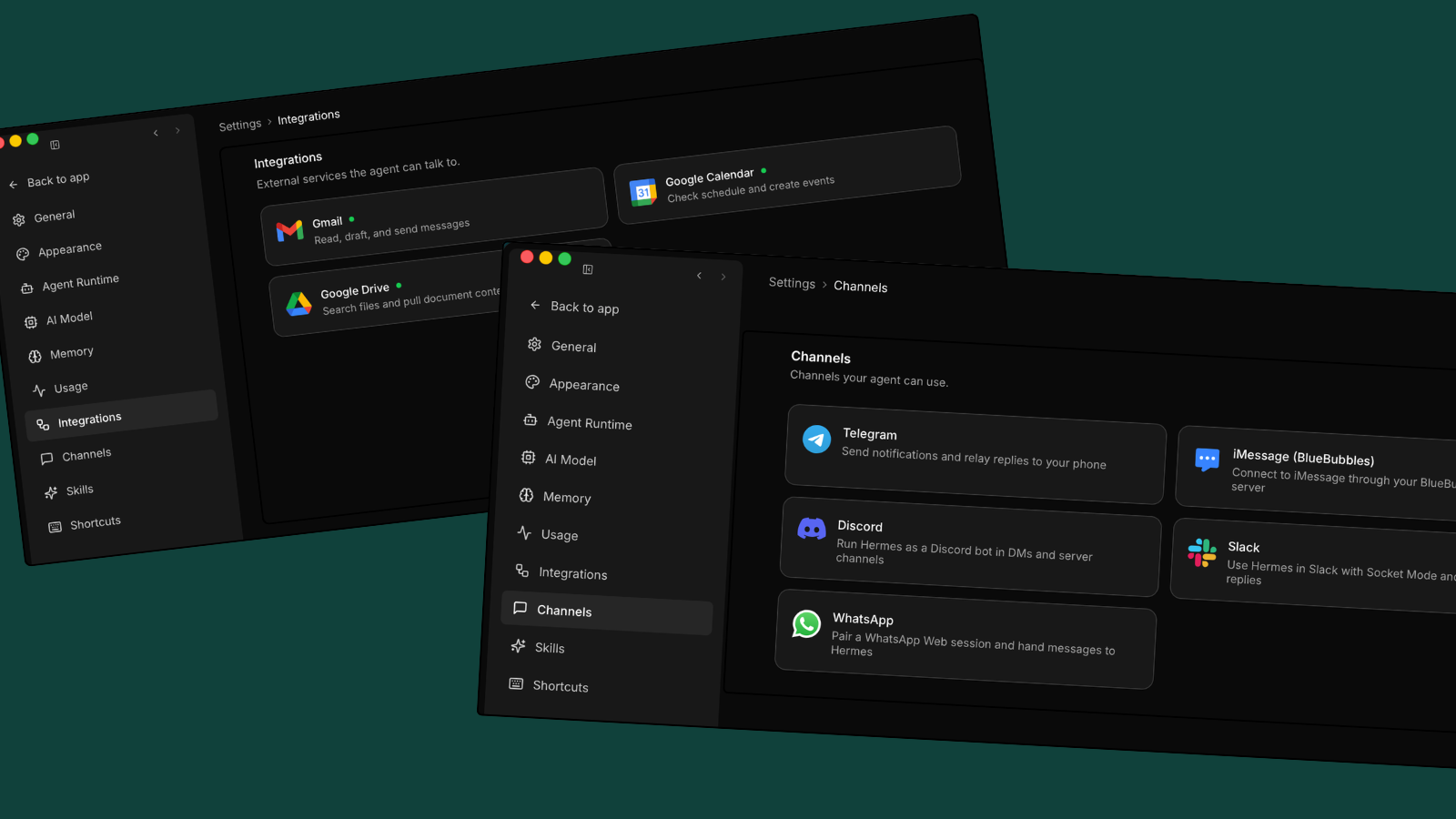
Is your laptop screen a graveyard of open browser tabs, unread emails, half-finished Google Docs, and PDFs you haven't opened?
We were told the "AI era" would save us time. Instead, it gave us app fatigue—10 tools open at once, a prompt that needs rewriting every time, and results you still have to paste back into actual work.
That isn't a workflow; it's a second job.
If you're ready to stop switching between tools and clear desktop clutter, here are 4 ways to make tech finally work for you, not the other way around.
1. Switch to a context-aware morning briefing
Instead of opening your calendar, then email, then your project board, imagine a single morning summary showing you what you should be doing.
The ultimate workflow hack is letting AI watch you do a task once, then repeat it forever without needing new prompts each time. This works by the AI learning your specific, multi-step workflow, seeing how you switch between tabs, and then automating the most manual, repetitive parts of your workday.
2. Bridge the gap between your apps
App fragmentation kills productivity. Consider the time spent moving data from a browser tab to a spreadsheet, renaming files, and uploading them to a shared drive.
Instead, find a smart workflow layer that connects local files, email, calendar, and browser. When tools link up at the OS level, you stop copy-pasting. The data moves on its own because the technology knows where it needs to go. When tools integrate deeply with the operating system, cross-application tasks happen automatically, ending the constant manual copy-pasting that drains you.
3. Work at the speed of thought (even offline)
Relying entirely on cloud-based AI tools means productivity depends on a Wi-Fi connection. If the software lags or completely drops when commuting on the subway, momentum breaks.
The next generation of personal computing balances cloud infrastructure and local, on-device AI. Personal context stays on-device, and IrisGo uses the cloud only for heavy processing. This means workflow keeps moving whether online or not. It's faster, has zero-lag, and doesn't require Wi-Fi.
4. Lock down your on-device privacy
Your personal information, work, and data are your currency. Most AI tools send every document, personal note, and local file to a corporate cloud server just to get a summary. This isn't ideal for data security. On-device privacy means sensitive data stays and gets processed locally on the device, instead of going to a centralized cloud server where it could be at risk. A minimalist, frictionless workflow shouldn't compromise your digital footprint.
Reduce workflow friction with IrisGo
Backed by Andrew Ng's AI Fund, IrisGo turns AI PCs into smart systems that automate workflows and connect tools in real time.
Stop spending days managing tedious tasks and jumping between apps. It's time for the next evolution of personal computing. Try IrisGo for free.
— Yichen Chu
Co-founder & COO, IrisGo
More from Guides & Ideas
Memory Isn't Enough
Most personal AI tools get context wrong. They record what you do, but never model who you are. That gap is why agents still feel like strangers.
PerspectivesThe AI PC Era Came to Computex. Now It's at WWDC.
Computex made the case that hardware is ready for the AI PC era. At WWDC, Apple put AI at the center of the Mac. The story is clear: this is a computing shift across every platform, every chip, and every OS.